
Troubleshooting
Binance Withdrawal Successful but Not Received: What to Check Next
A Binance withdrawal marked successful may still need blockchain confirmations or receiving-platform crediting. Follow the status, TXID, network and address checklist before opening a support case.
Binance Withdrawal Successful but Not Received: What to Check Next
A successful withdrawal status does not always mean the receiving exchange has finished crediting the deposit. The transfer can be broadcast on-chain, waiting for confirmations, or sent with details the recipient cannot match. Use evidence from the transaction record instead of submitting the same withdrawal again.
Step 1: Decide whether the withdrawal is on-chain
Open Binance’s wallet or transaction history and locate the withdrawal. Record the asset, amount, destination address, network, time and status. If there is no TXID yet, the withdrawal may still be in internal processing or security review. Wait for the platform’s stated processing window and check official status notices.
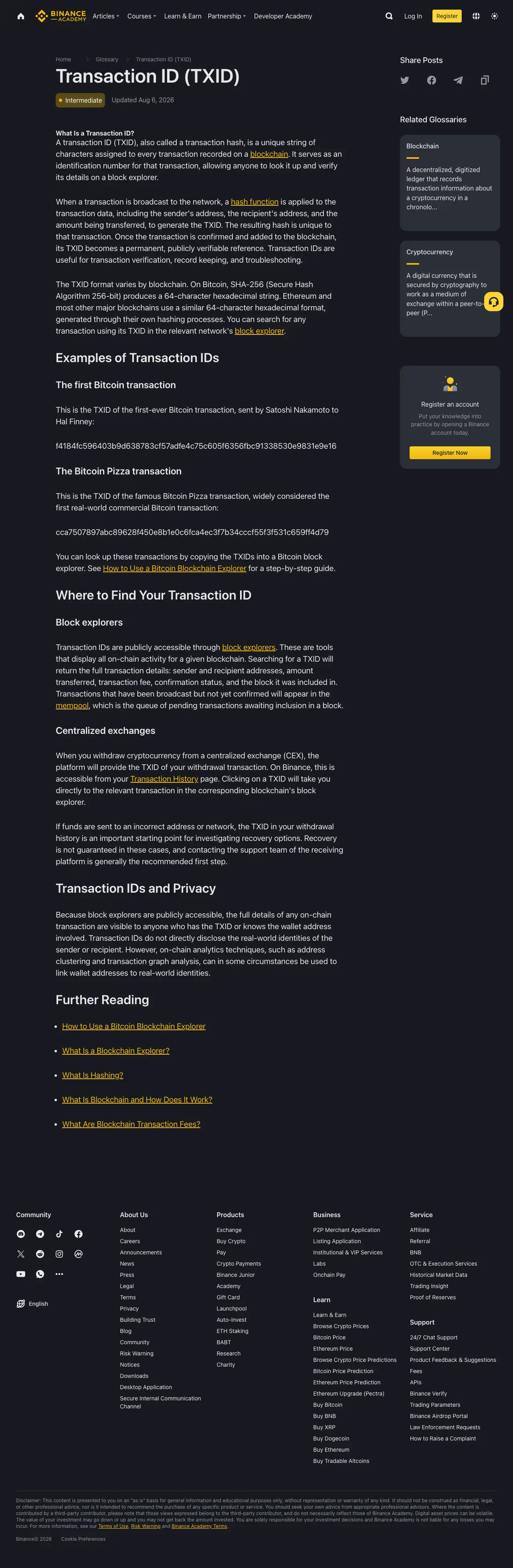
If a TXID is present, copy it without changing any characters. A TXID is the blockchain transaction identifier. Paste it into the block explorer for the selected network, not into a random search result or a website sent by a private message.
Step 2: Read the blockchain result
The explorer can show whether the transaction is pending, confirmed, failed or included in a block. Compare the sender, recipient, token contract, amount and network with the receiving platform’s Deposit page.
- No transaction found: confirm that the TXID and network are correct, then ask Binance support for the broadcast status.
- Pending: the network has not completed enough confirmations; wait and monitor the same TXID.
- Confirmed but missing at the receiver: check the receiver’s minimum deposit amount, required confirmations and maintenance notices.
- Sent to the wrong address or network: contact the receiving service immediately, but recovery is not guaranteed.
A block explorer is read-only. It can prove what happened on-chain, but it cannot reverse a transfer.
Step 3: Verify the receiving platform
The receiving exchange may credit USDT or another asset only after a specific number of confirmations. It may also require a memo, tag or payment ID for some assets. Open the receiving platform’s deposit history and confirm that the asset and network match. If the blockchain is confirmed but the deposit is not credited after the platform’s stated requirement, open a support ticket with the TXID, amount, address, network and screenshots that do not expose account credentials.
Do not share your password, email code, authenticator code, API secret, seed phrase or private key. Legitimate support should not need them to locate a public transaction.
Step 4: Check for a platform-side delay
Withdrawals can be delayed by security checks, wallet maintenance, network congestion or a temporary suspension. Check Binance’s official announcements and the withdrawal record before retrying. If Binance marked the transaction successful but no TXID exists, contact Binance through its official Help Center. If a confirmed TXID reaches the correct address, contact the receiving platform instead.
What not to do
Do not pay a stranger to "unlock" or "recover" the funds. Do not send a second transfer to test the address. Do not use a different network because its displayed fee is lower. Keep the original evidence and work from the official support flow.
Bottom line
The sequence is status → TXID → network → address → confirmations → receiving-platform credit. That sequence identifies which party can actually help and avoids turning one delayed transfer into two.
Official references: Binance Transaction ID glossary, Binance deposit and withdrawal guide and Binance wrong-network guidance.